
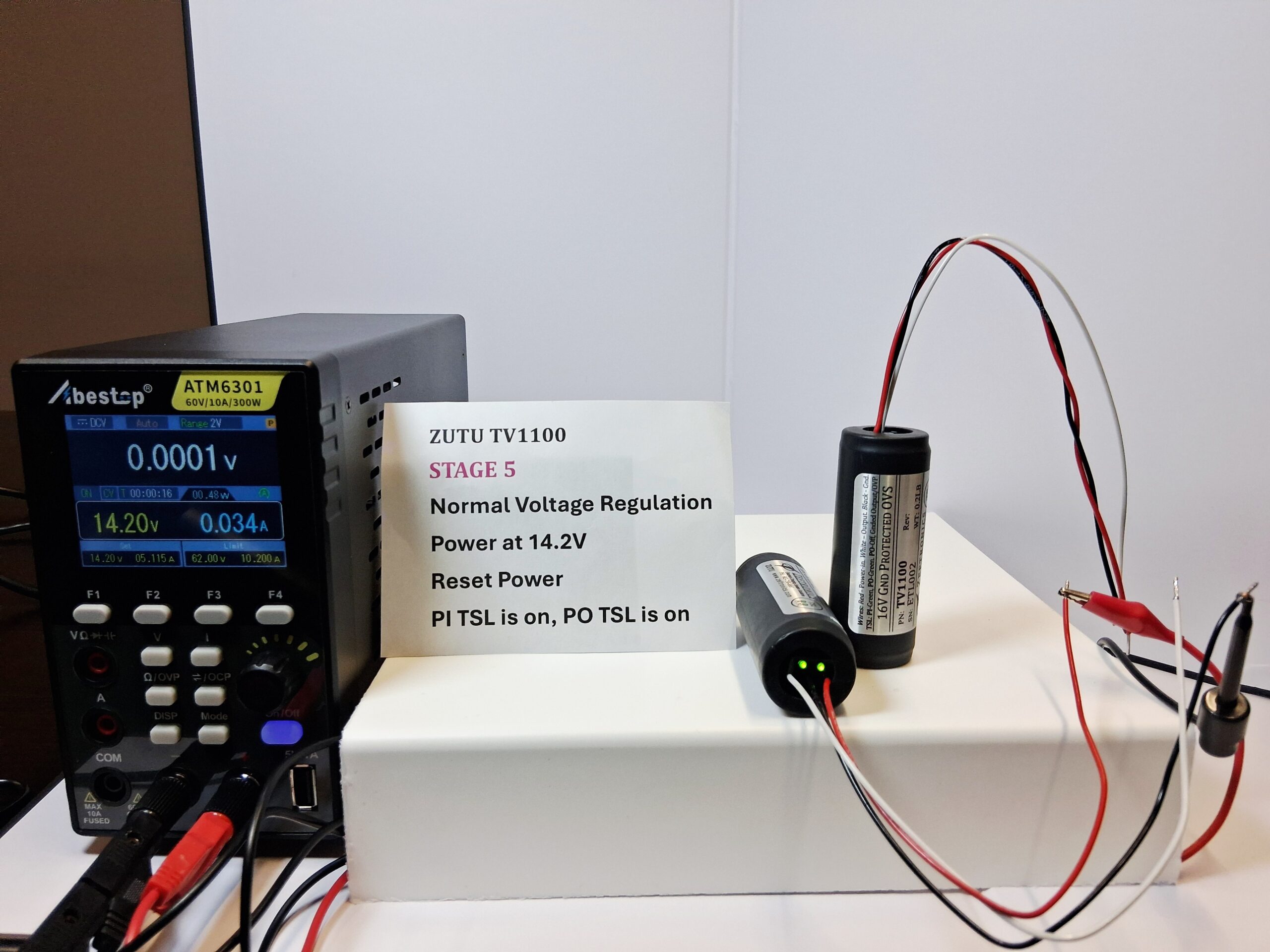
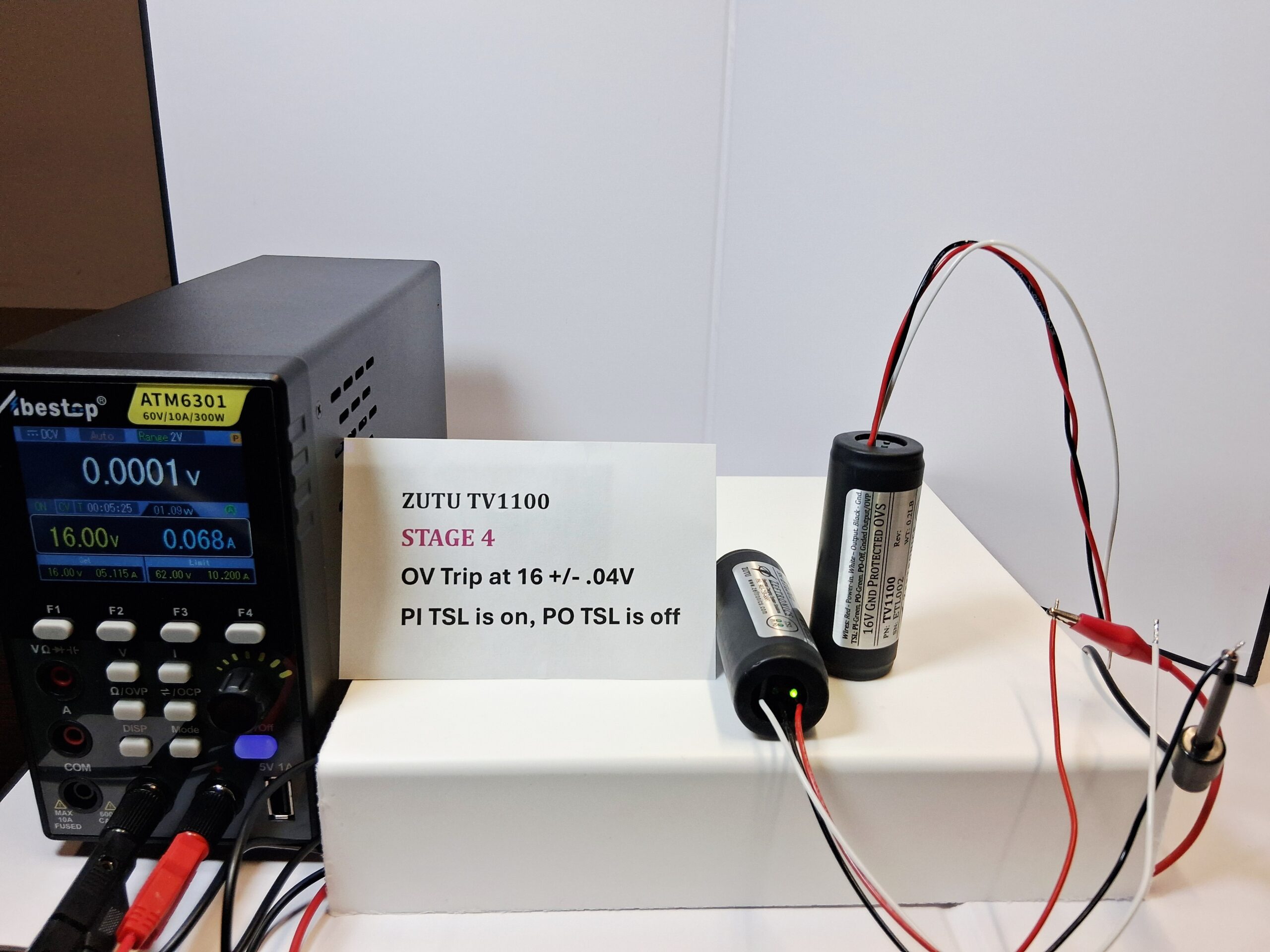
Product Description
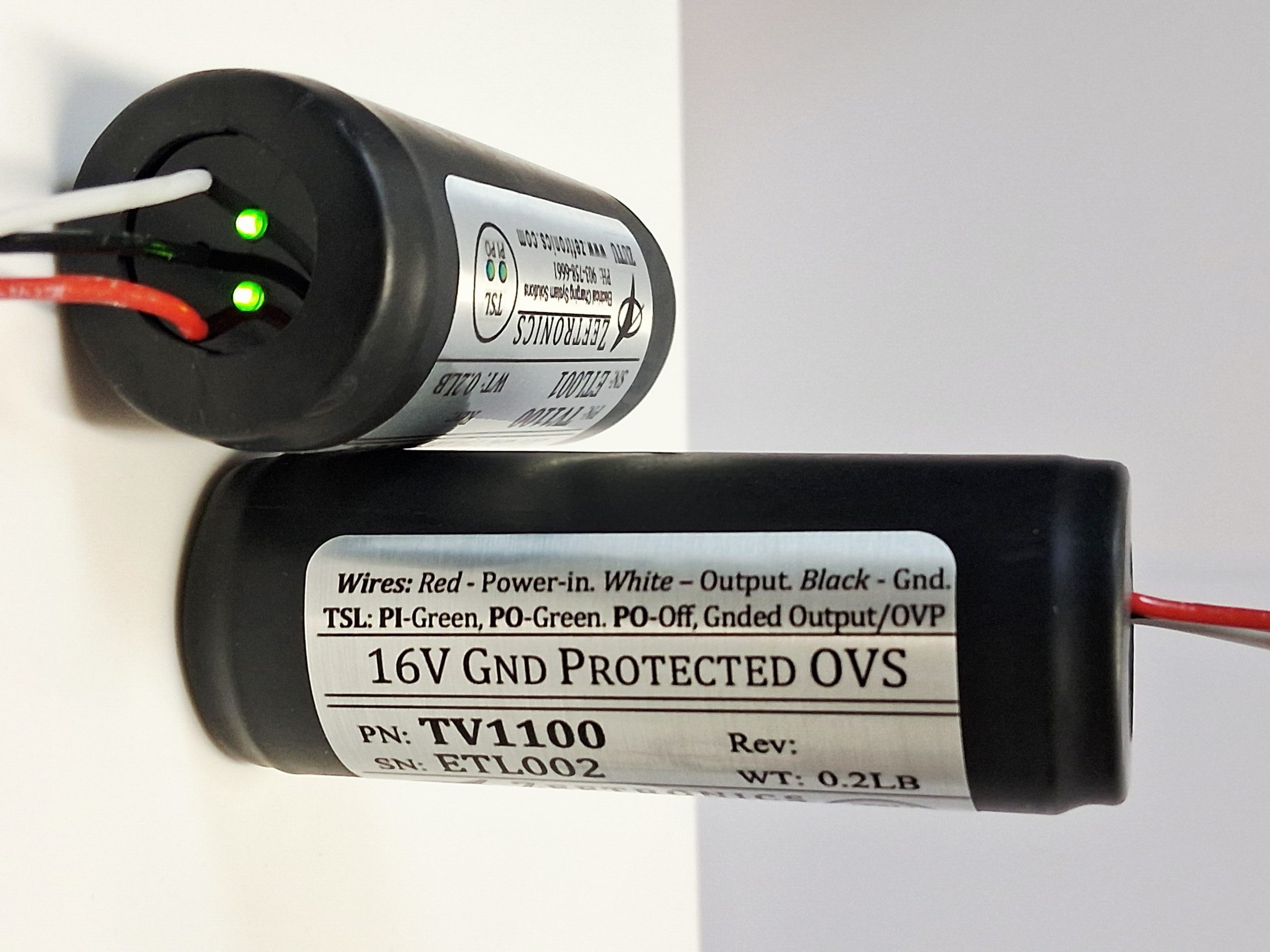
This is a 16V Over Voltage Sensor (OVS) with Grounded Output Protection shop-tool. This Protected OVS (POVS) has two troubleshooting lights (TSL). This is a Shop Test Unit Only – Not for flight.
Why buy this unit
It cuts down troubleshooting time and saves from buying unneeded Voltage Regulator/ACU and or OV Sensor. The A&P or FBO and the Cessna aircraft-owner both benefit from using this shop tool.
Ease of Use
For testing and troubleshooting, connect it like the current OV Sensor and operate the aircraft as normal. The unit’s TSL tells you if there is a problem. This is a Shop Test Unit Only – Not for flight.
What’s included:
- Installation Drawing
- Warranty Card
- Cross-Reference List (CRL)
- Troubleshooting Notes
Product Features:
Over-Voltage Sensor / Protection (OVS/OVP)
The OV Sensor (OVS) deactivates (turns off) the OV Relay inside the Voltage Regulator or ACU and the alternator if the bus voltage exceeds 16V to protect sensitive avionics equipment and the battery.
Ground Output Protection (GOP)
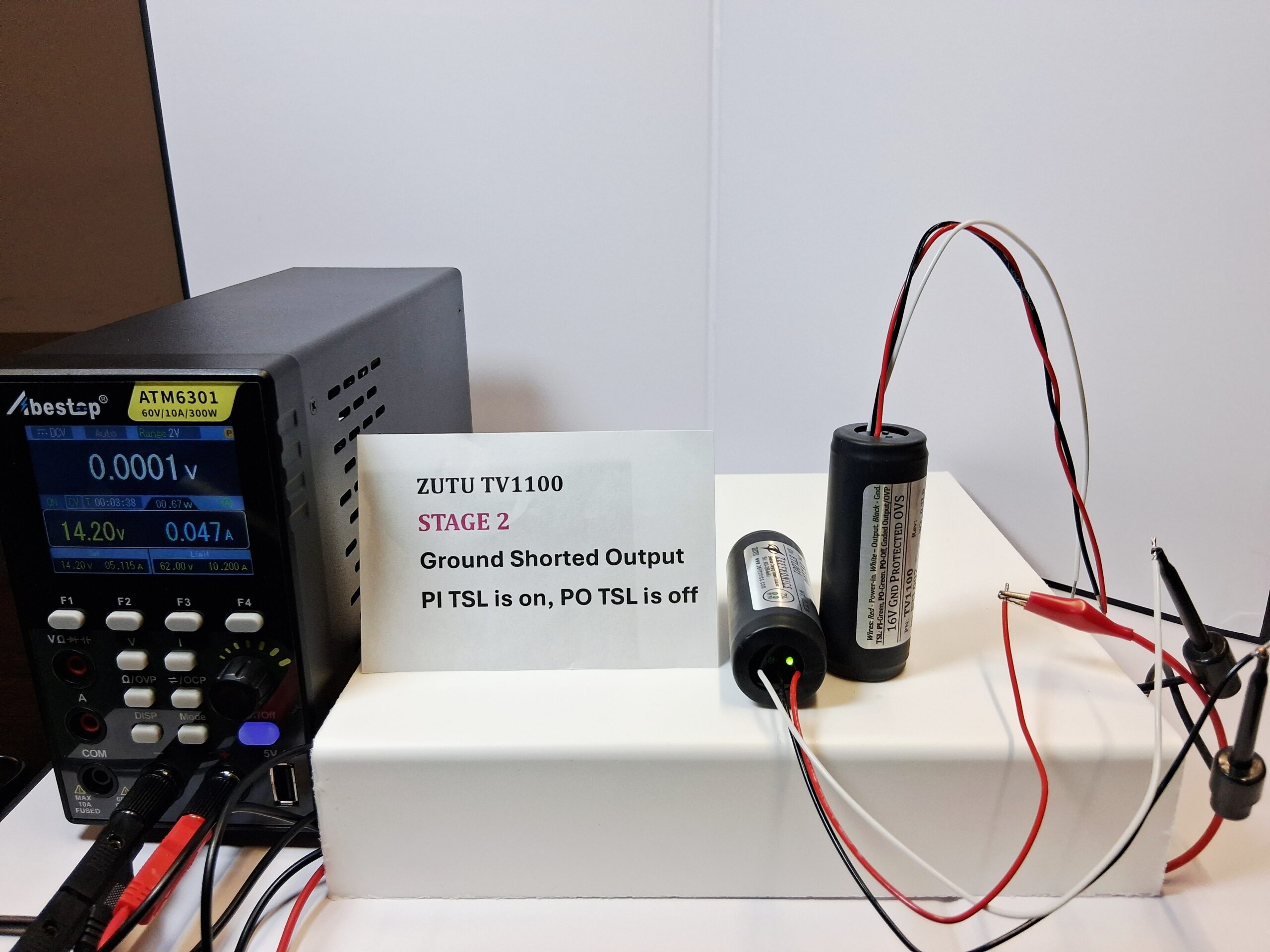
If the OVS’ output shorts to ground, the unit’s GOP function will deactivate the Voltage Regulator or ACU and off the unit’s Power Output TSL.
Trouble-Shooting Light (TSL)
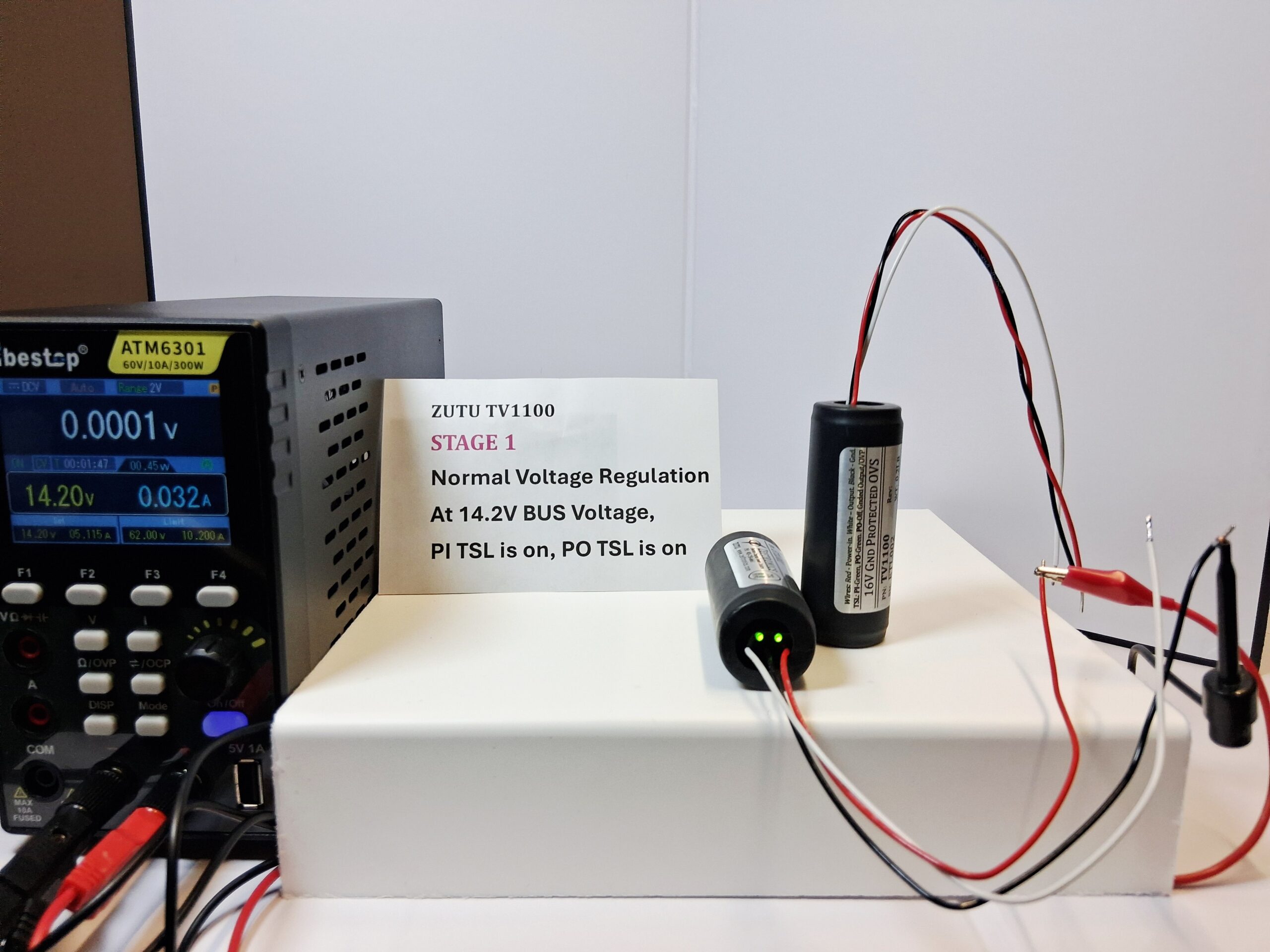
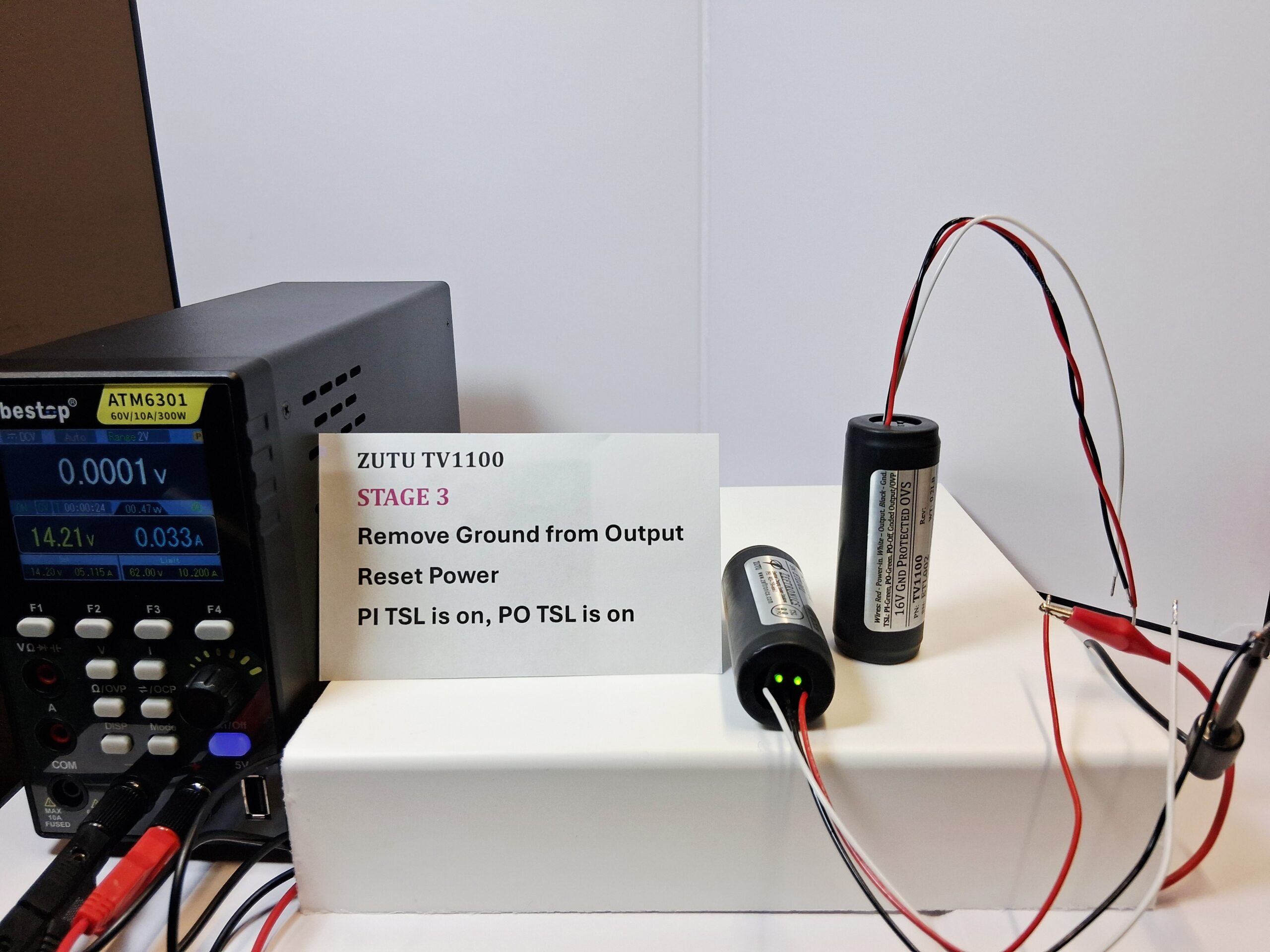
The Power-In (PI) TSL shows when power is applied to the unit and Power-Out (PO) TSL shows when power is coming out of the unit. If the out is shorted to ground, the unit turns off the output and the PO TSL. When the power to the unit is turned off and back on, the PI and PO turn back on.
Over Voltage (OV) Protected
The GCU’s design will cause the field current path (between the field and power input, i.e. terminal C) to open if the system experiences OV condition. The GCU does not protect the system against externally induced OV faults like those caused by a pilot pulling-out and pushing-in the main generator output circuit breaker while the engine is operating at high speed. If the generator’s main output breaker is pulled, the generator (field) switch should be turned off before the main breaker is pushed back in.
Trouble-Shooting Lights on Unit
The on-unit system Trouble-Shooting Lights, TSL, identify how the system is operating and, helps with system testing and troubleshooting. The lights indicate Generator Off/On-line (GO, Green), Voltage Regulation and Field-to-Ground short (VR, Green/Off/Red), Current Limit (CL, Red), and Over-Voltage (OV, Red).
Other Features:
- Increased Regulator life
- Reduce troubleshooting time
- Helps save money since it identifies a shorted pin S input to the Voltage Regulator/ACU
- You can use this unit to power 12V system loads that are ≤0.3A